| Support Category: Transcript |
| Specialist Notes: |
If the course has CE credits associated with it, it'll show up on the user's RCA learner transcript.
| Standard Response: |
To download or print a copy of your completed transcript, kindly follow the steps below:
1. Select the "My Profile" under "Quick Links" options on the Royal Canin Academy's homepage.
2. Click "My Certificates."
Alternatively, you can quickly navigate to your completed courses by clicking on "Completed" under your profile picture and name in the top left of the "Welcome."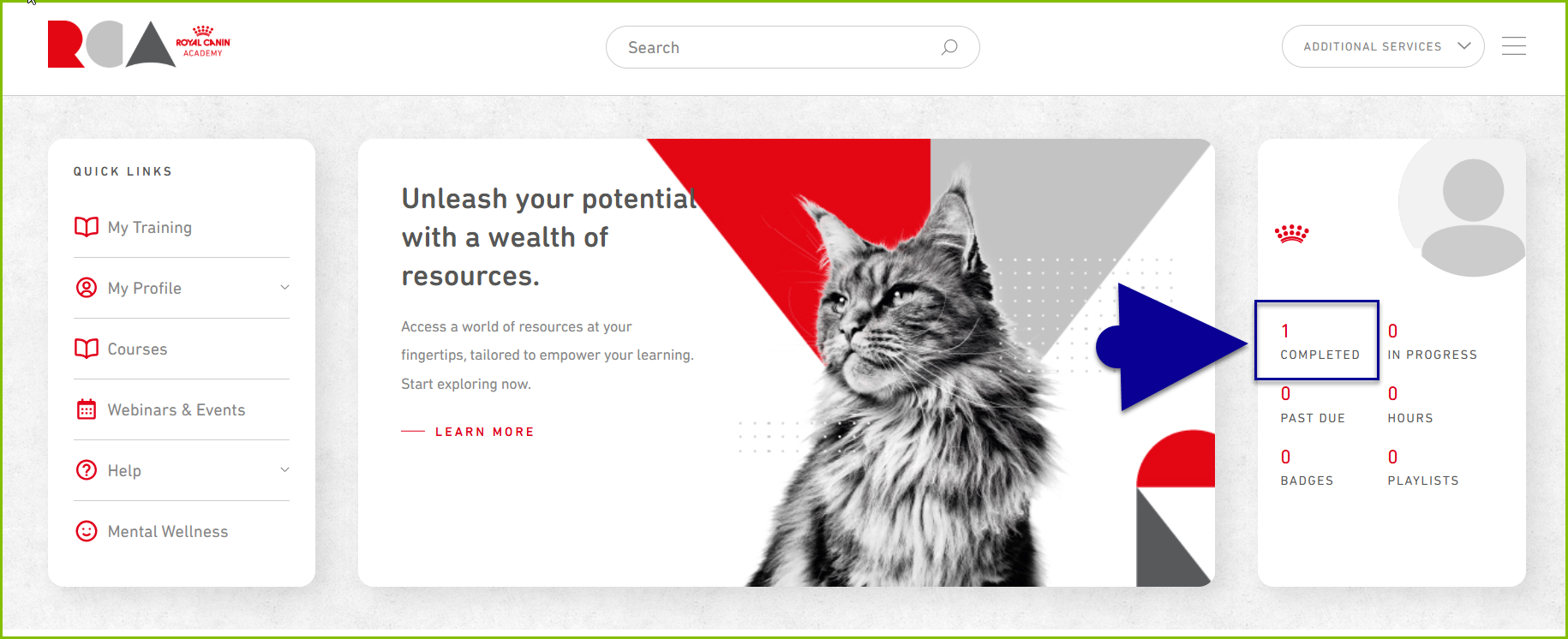
3. Click the ellipsis icon (…) in the upper right corner of your transcript.
4. Then, select either "Export to PDF" or "Print Transcript."