| Support Category: User Account | Account Info Update Request |
| Specialist Notes: |
Users can update the business name, address, phone number, license state and number on their account.
They cannot update the first name, last name, email address, country, or job title. We are authorized to update these for users.
| Standard Response: |
You can update your business name, address, phone number, license state and number with the following instructions:
1. Select the "My Profile" under "Quick Links" options on the Royal Canin Academy's homepage.
2. Click on "Check out your profiles."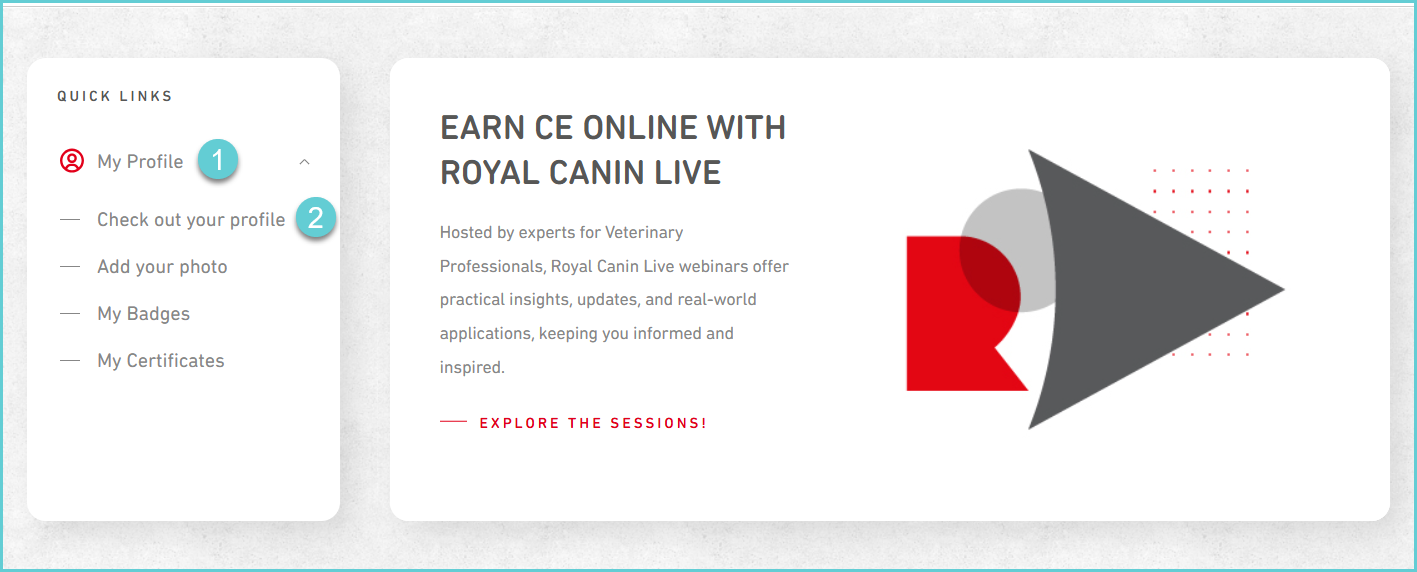
3. Once you've updated the respective field(s), click the "Save" button in the lower right corner. 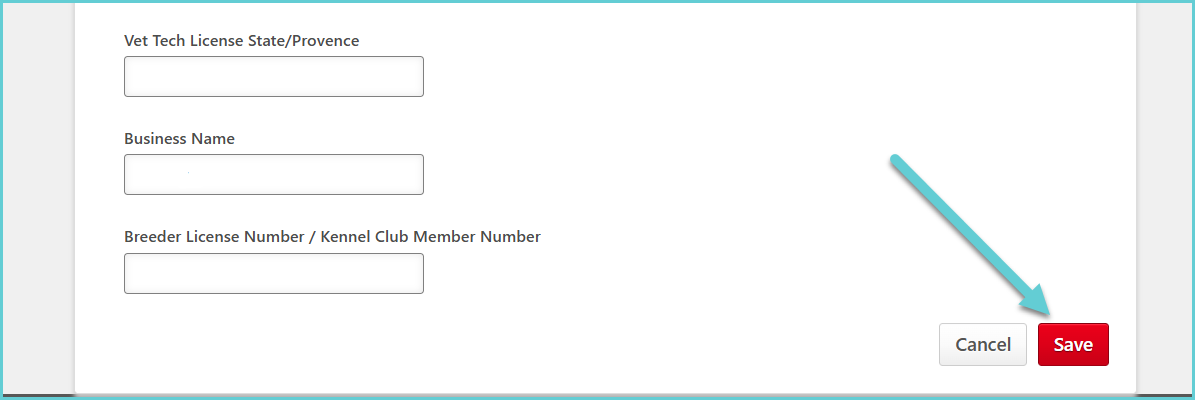
If you need assistance with updating your first and last name, email address or country, please let us know and we can update it for you.