| Support Category: VILT | Drop |
| Specialist Notes: |
Users can withdraw from sessions.
| Standard Response: |
To withdraw from a session, kindly follow these steps:
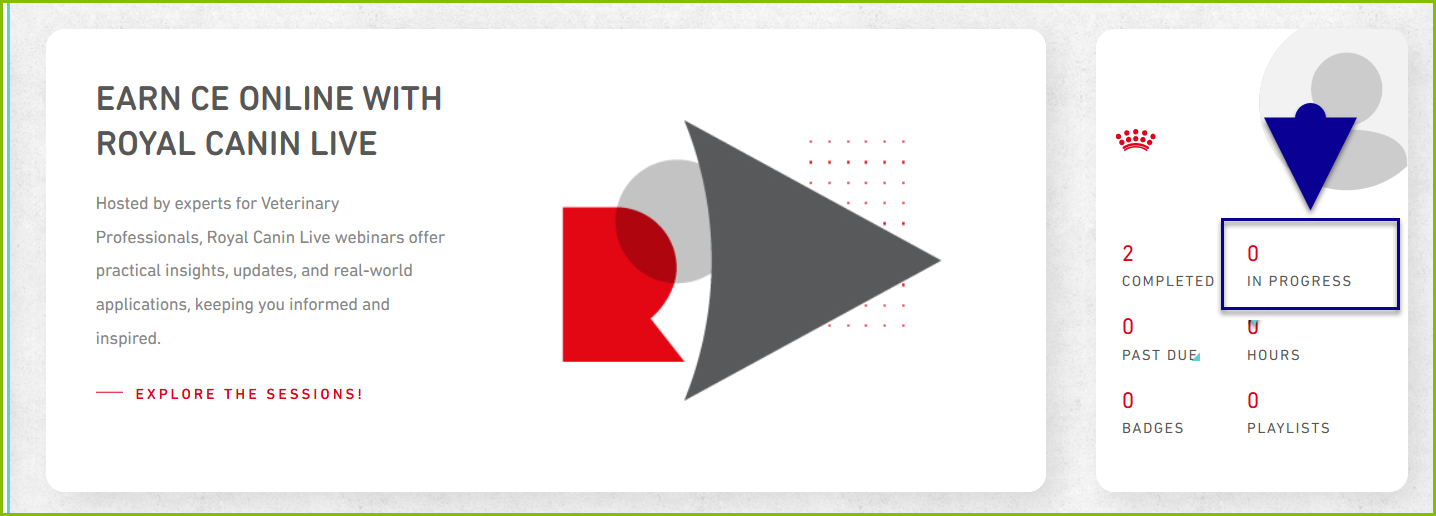
1. Navigate to your active transcript by clicking on "IN PROGRESS" under your profile picture and name in the top left of the "Welcome" page.
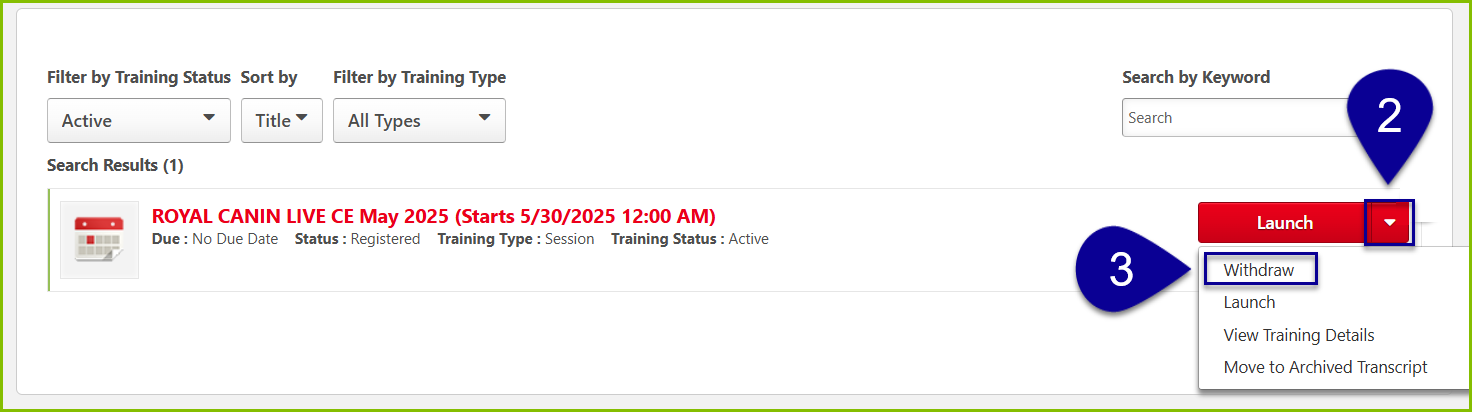
2. Locate the name of the training and select the downward-facing arrow (▼) next to the 'Launch' button to open a drop-down menu.
3. Select "Withdraw" from the drop-down menu.
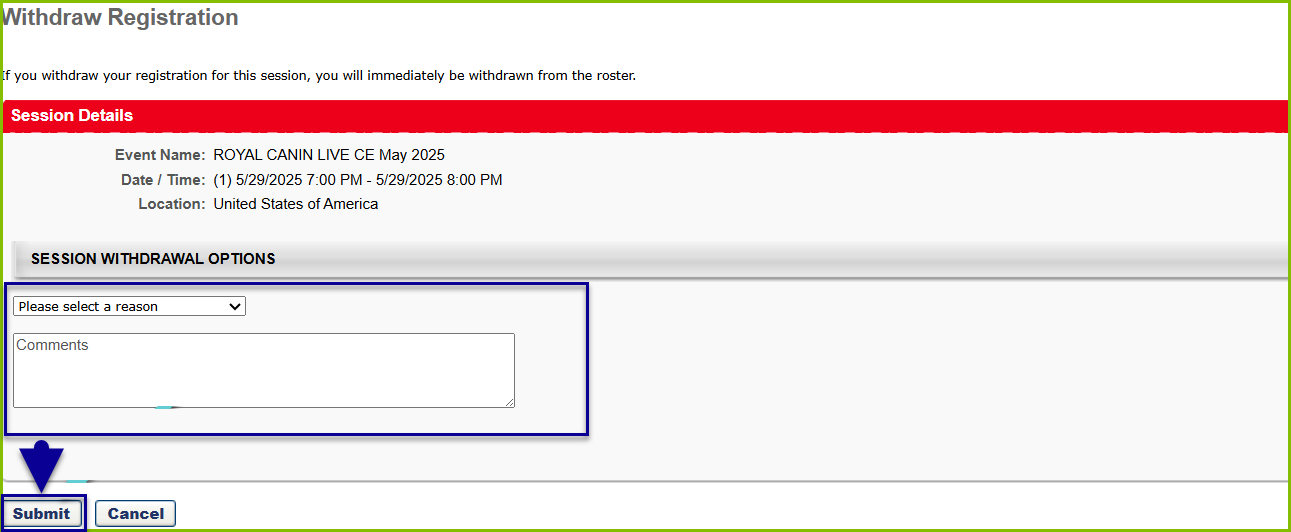
4. Enter reason for withdrawal and click "Submit."